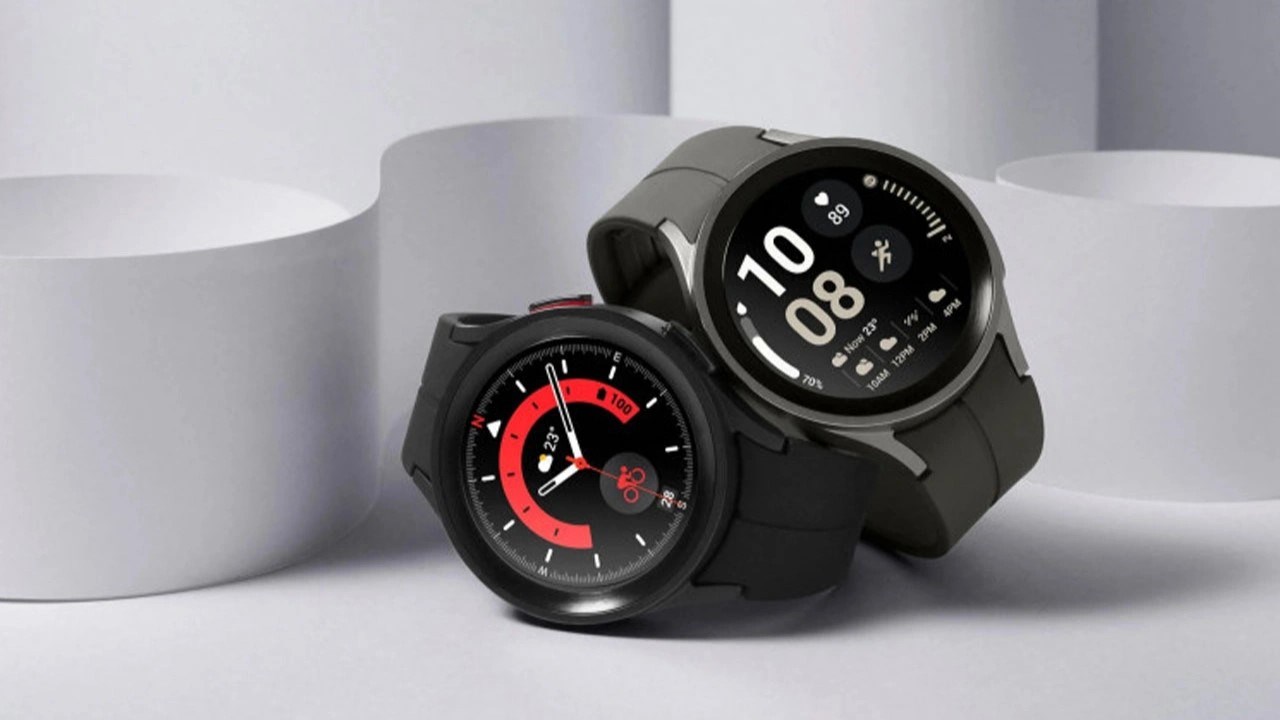
If you’ve noticed that your Galaxy Watch refuses to keep “Do Not Disturb” (DND) active, you are definitely not the alone.
A growing number of users have reported that the feature automatically shuts off just seconds after being enabled. This glitch seems to have cropped up following the One UI 8 update on paired smartphones. On the bright side, Samsung has confirmed they are aware of the glitch and are already working on a permanent software update to clear it up.
The issue specifically impacts Galaxy Watch models ranging from the Watch 4 all the way to the latest Watch 8. According to Samsung, the bug is triggered when users set the DND duration to “Until I turn it off” via the watch’s quick settings panel. For some reason, the synchronization between the new phone software and the watch fails in this specific mode, causing the setting to revert instantly.
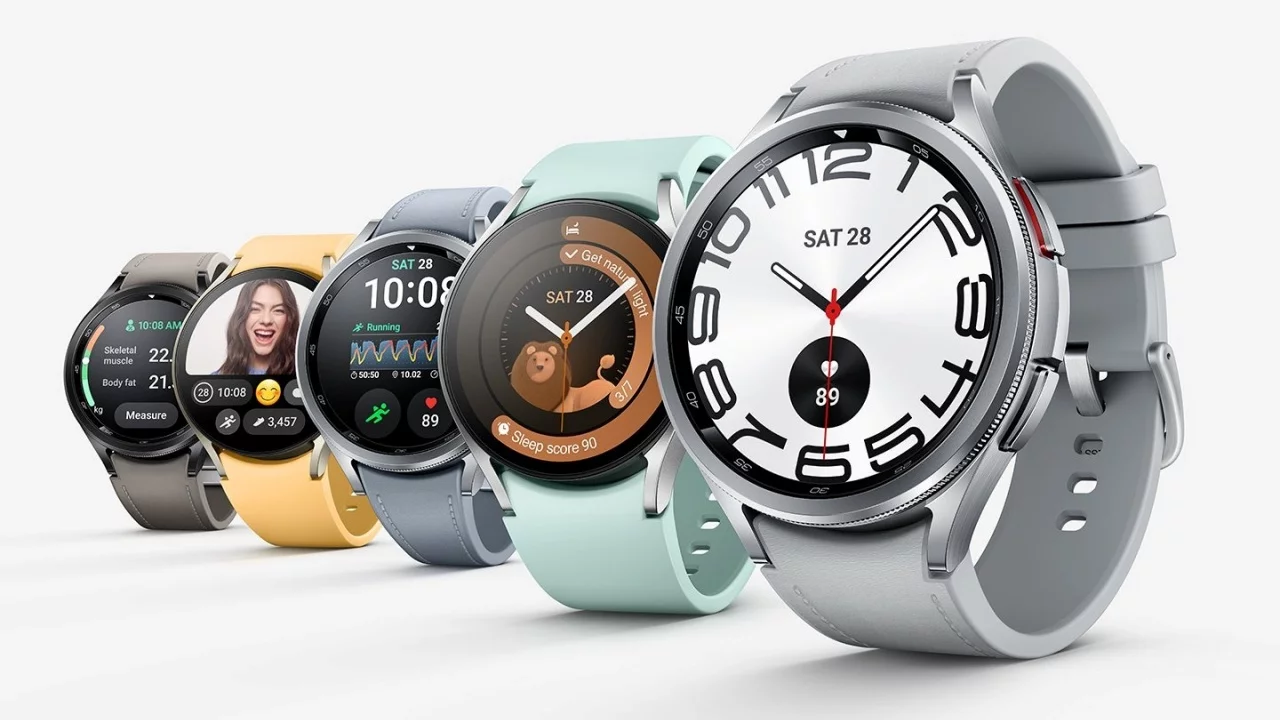
Samsung Offers Two Simple Temporary Solutions
Until a formal update is released, Samsung suggests two simple workarounds to keep your peace and quiet intact. First, instead of using the quick settings shortcut, navigate directly into the watch’s main Settings, choose Notifications, and toggle Do Not Disturb from there. Alternatively, you can simply enable DND on your Galaxy phone. Since the two devices stay in sync, the watch will follow the phone’s lead without clicking off.
Samsung is expected to roll out a patch through the Galaxy Wearable app shortly. Keeping your devices updated is the best way to resolve this permanently.